
Brainstorming Diagram
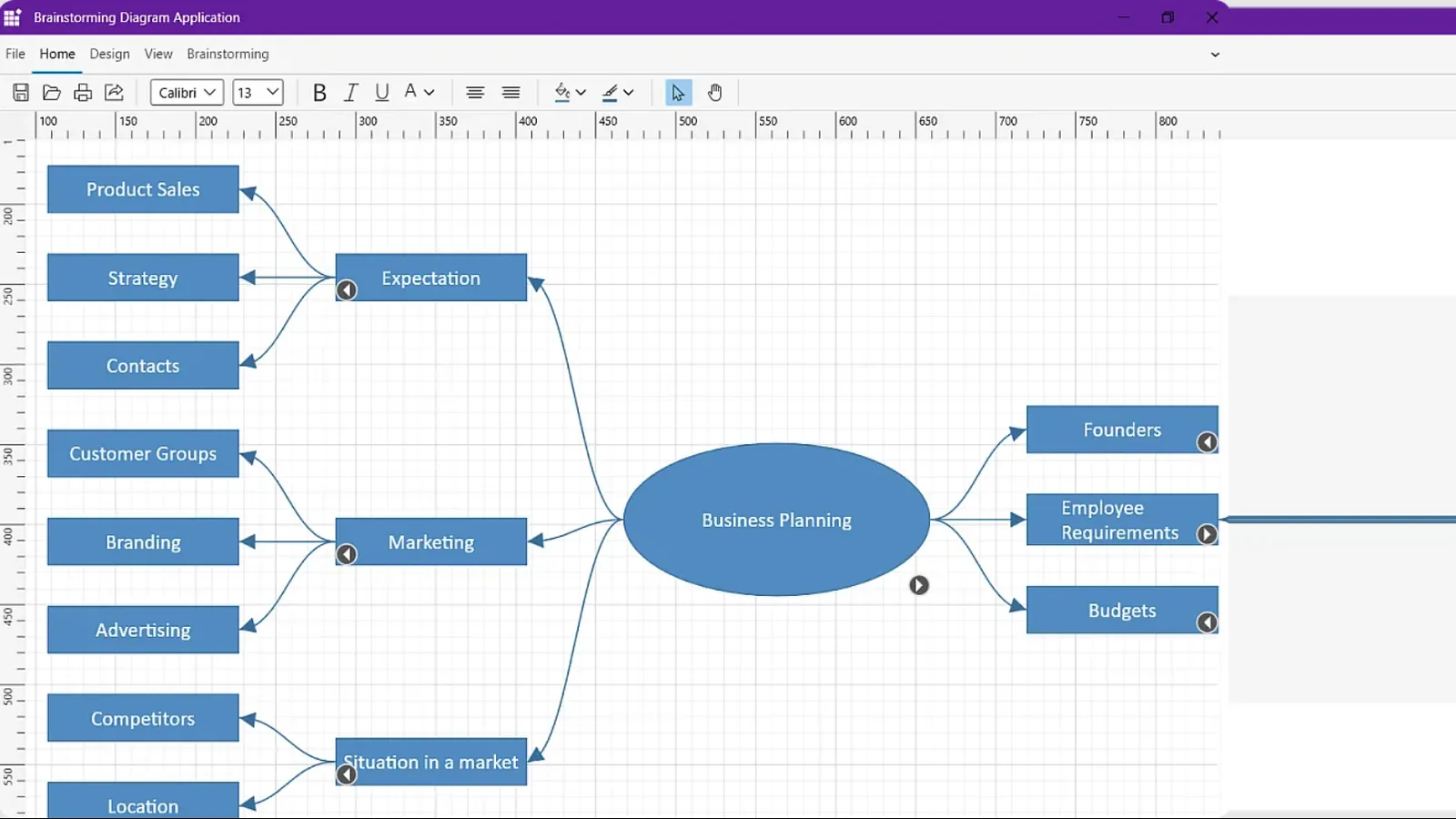
Visually organize ideas through an interactive mind map of topics, sub-topics, and connections. Built with Diagram for drag-to-create nodes, styling, and export.
Components used
Available source platforms
Source code is available for the following platforms. Explore the full repository separately.

Overview
Business problem
Teams need a better way to capture and organize ideas during brainstorming, but many tools are too rigid or lack intuitive visual mapping capabilities.
- Brainstorming sessions can become disorganized without clear visual structure
- Idea relationships are hard to represent with basic tools
- Teams need fast access to templates and diagram controls
- Sharing and exporting ideas should be seamless for follow-up work
Application goal
Provide a flexible diagramming workspace that makes it easy to capture thoughts, connect ideas, and organize them into a clear, styled mind map.
- Enable dynamic creation and editing of idea nodes
- Offer customizable templates for different brainstorming styles
- Apply customizable diagram styles and themes to organize concept maps clearly
- Make it easy to export diagrams for reuse in documentation
Target users
Designed for creative teams, workshop facilitators, and individuals who want a visual tool for organizing ideas and planning projects.
- Project managers
- Product and design teams
- Consultants and facilitators
- Educators and students
- Innovation and strategy teams
Business value demonstrated
Shows how structured diagrams can accelerate idea generation, improve team alignment, and make brainstorming outputs more actionable.
- Faster conversion of ideas into organized plans
- Faster idea capture through ready-made templates and quick diagram styling
- Greater clarity in team discussions and workshops
- Better handoff into documentation and project planning
Main workflows
Core workflows supported by the Brainstorming Diagram application.
- Create and arrange idea nodes on a visual canvas
- Connect related concepts and build hierarchical maps
- Use templates to jumpstart brainstorming sessions
- Reopen recent diagrams quickly from the Recent Files list for continued editing
- Export diagrams for presentations and planning documents