
Document Editor
Create and revise complex documents with rich formatting, tables, and comments on the desktop. Built with Document Editor for a professional-grade word processing experience.
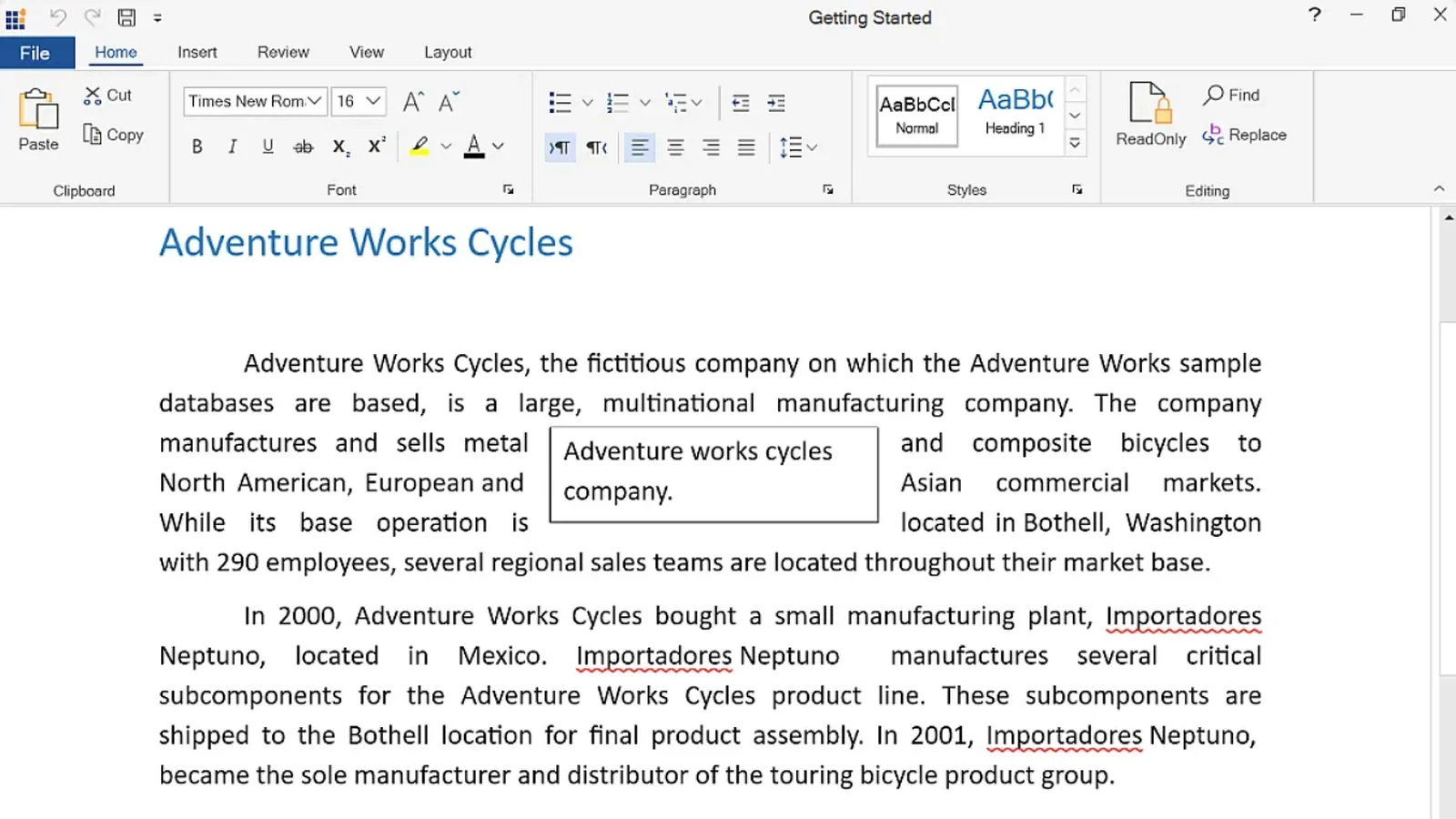
Components used
Available source platforms
Source code is available for the following platforms. Explore the full repository separately.

Overview
Business problem
Professionals authoring complex documents need robust formatting, review, and collaboration tools, but lightweight editors lack the depth and mainstream suites can be heavy or costly.
- Limited formatting and layout control in simple editors
- No integrated change tracking or comment workflows
- Poor support for tables, graphics, and mixed content
- Compatibility gaps across document formats
Application goal
Provide a professional WPF word processor that combines rich editing, review with change tracking and comments, and multi-format support in a polished desktop app.
- Deliver comprehensive rich-text formatting tools
- Support tables, images, and advanced layout
- Enable change tracking and comment-based review
- Handle multiple document formats reliably
Target users
Designed for professionals who create and revise complex documents and need dependable review workflows.
- Legal and compliance teams
- Technical and business writers
- Editors and reviewers
- Knowledge workers and analysts
- Teams collaborating on formal documents
Business value demonstrated
Shows how a desktop word processor can deliver professional authoring and review without dependence on mainstream office suites.
- Professional formatting and layout on the desktop
- Streamlined review with change tracking and comments
- Reliable multi-format document handling
- Richer documents with tables and graphics
- A cost-effective alternative to mainstream editors
Main workflows
Core workflows supported by the Document Editor application.
- Create and format rich text documents
- Insert and edit tables, images, and graphics
- Track changes and manage comments during review
- Import and export multiple document formats
- Finalize and share polished documents