
Document Explorer
Browse, view, and edit Word, Excel, PDF, and image files in a single workspace. Built with File Manager, Document Editor, Spreadsheet, and PDF Viewer for complete document management.
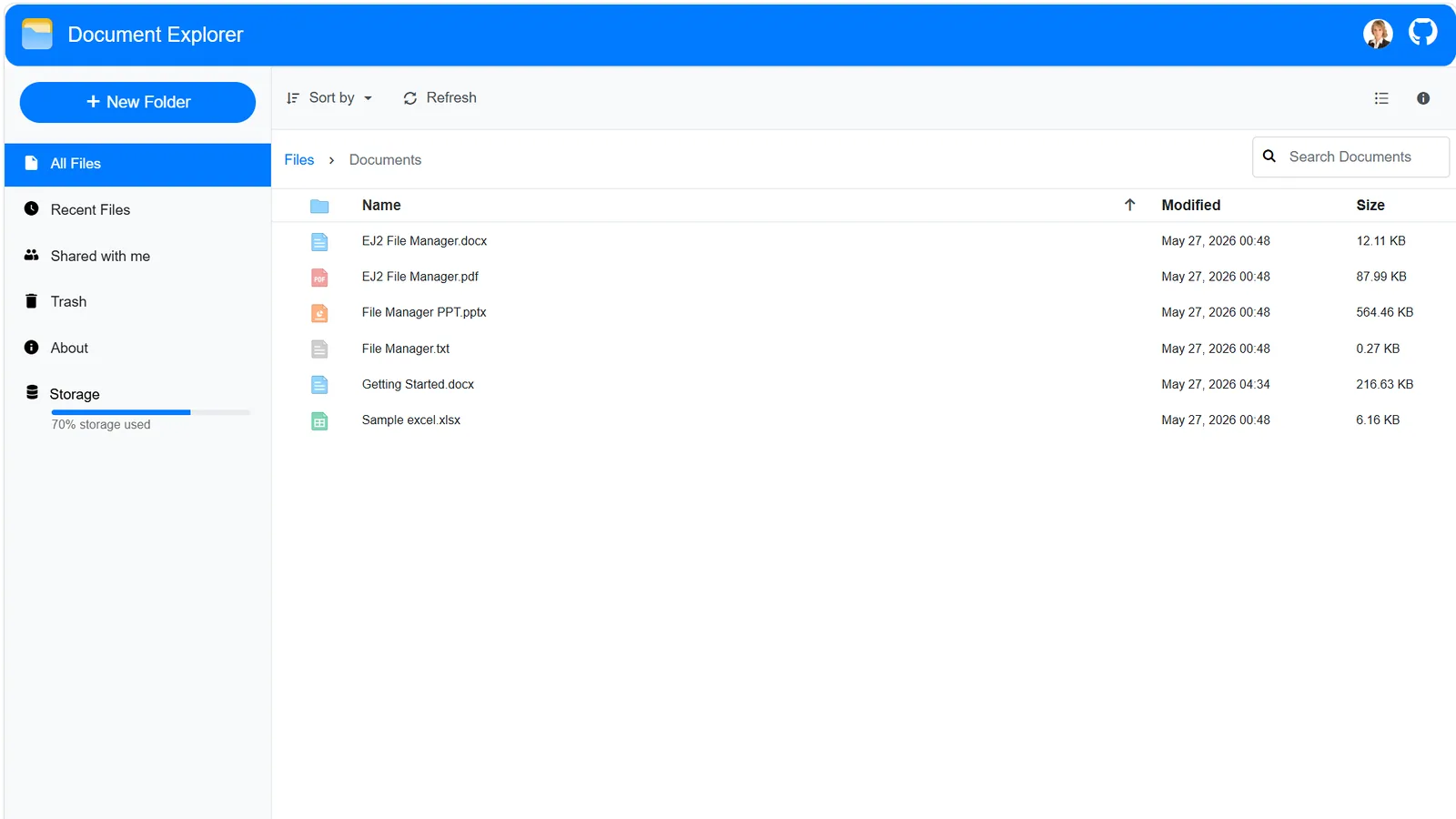
Available demo platforms
Live demos are available for the following platforms.


Components used
Available source platforms
Source code is available for the following platforms. Explore the full repository separately.
Overview
Business problem
Organizations need a single document workspace, but content often remains scattered across systems, which slows collaboration and increases risk from inconsistent file access.
- Documents spread across local folders and cloud repositories
- Difficulties managing mixed file types and formats
- Slow search and limited discovery for important content
- Poor collaboration due to fragmented access and scattered file locations
Application goal
Provide a unified document explorer that simplifies content access, editing, and collaboration while ensuring security and searchable file navigation.
- Centralize document operations in one interface
- Enable fast search and filtering across files
- Support multi-format file preview and editing
- Integrate cloud services for secure access and sync
Target users
Designed for knowledge workers, administrators, and teams that need reliable document control and easy access to a variety of file formats.
- Office Administrators
- Knowledge Workers
- IT Support Teams
- Content Managers
- Collaboration Teams
Business value demonstrated
Shows how a centralized file explorer can accelerate workflows, reduce document friction, and improve team collaboration across mixed content repositories.
- Faster document discovery and retrieval
- Reduced duplicate files and centralized document access
- Stronger collaboration with shared access and previews
- Improved security and cloud-connected access
- More consistent document workflows and governance
Main workflows
Core document explorer workflows that support secure file access, collaboration, and repository management.
- Browse and search documents across folders and cloud storage
- Open, edit, save, and delete mixed file formats
- Organize documents with folders, metadata, and navigation panels
- Preview content and edit spreadsheets and images inline
- Sync files and collaborate using cloud-connected services