
Quick and Easy E-Signing
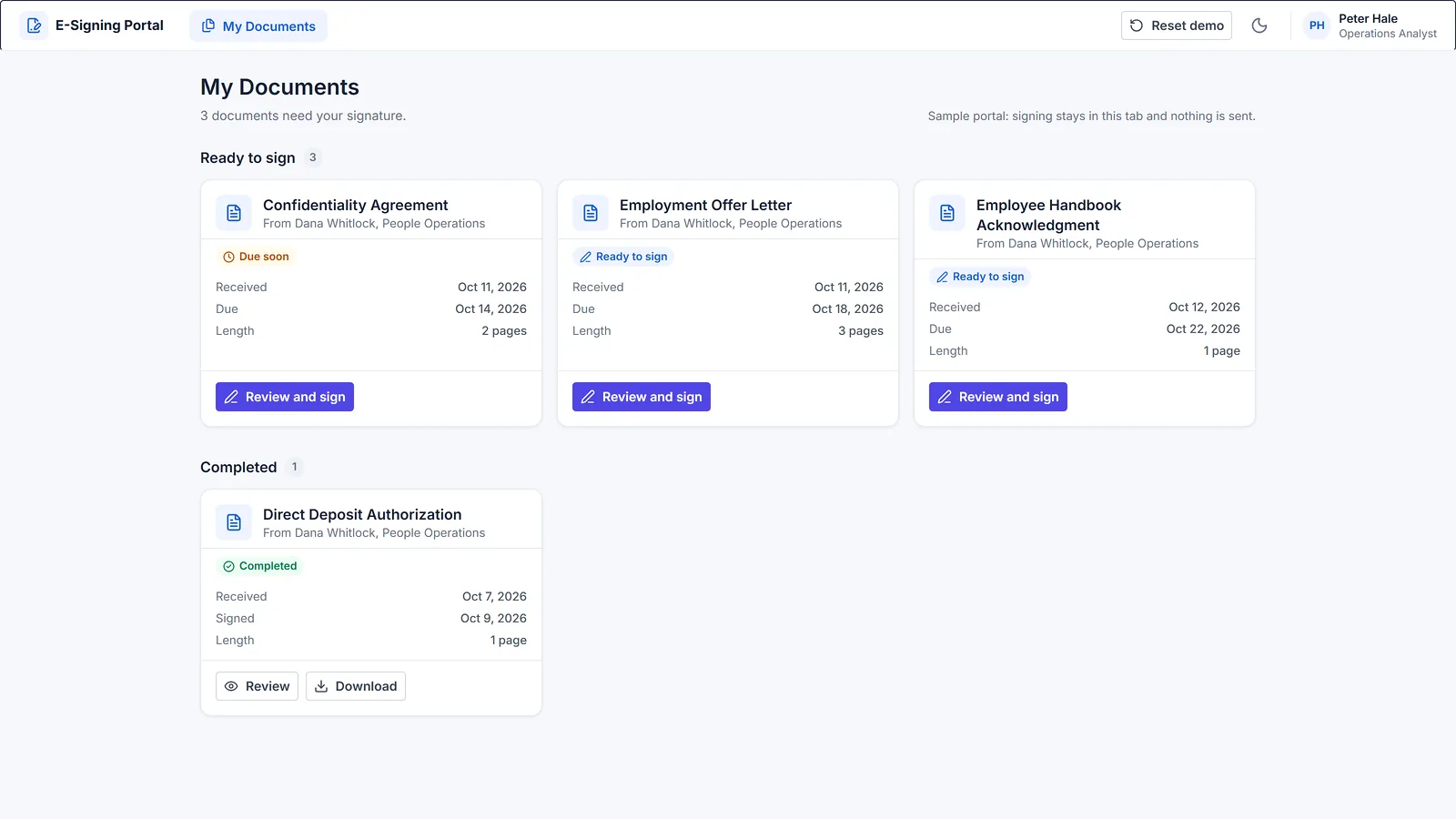
An e-signing portal where users review PDF documents, fill in form fields, draw or type their signature, and download a signed copy. Built with the PDF Viewer for document review, form filling, and signature capture, and the PDF Library for generating the signed output — entirely in the browser.
Available demo platforms
A live demo is available for React.

Components used
Available source platforms
Source code is available for the following platforms. Explore the full repository separately.


Overview
Business problem
People who need to sign agreements still rely on printing, scanning, and emailing documents back and forth.
- Printed documents must be scanned and re-sent, adding delay to every signature
- Typed and drawn signatures are inconsistent across tools and devices
- Form fields in shared PDFs go unfilled or get completed incorrectly
- Signed copies are scattered across email threads and local folders
- The final document still contains editable fields instead of a finished copy
Application goal
Provide a simple browser-based portal where reviewing, filling, signing, and downloading happen in one guided flow.
- Open a PDF and review its pages before signing
- Fill in the form fields directly on the document
- Draw a handwritten signature or type a signature in selectable styles
- Apply the signature to the document and confirm the result
- Download the signed copy immediately with no server round-trip
Target users
Designed for anyone who needs to review and sign PDF documents without installing software.
- Customers and clients approving contracts and agreements
- Employees acknowledging policies and internal forms
- Freelancers and consultants countersigning statements of work
- Small business owners signing purchase orders and vendor documents
Business value demonstrated
Shows how organizations can replace print-sign-scan cycles with a fast, browser-only signing experience.
- Faster turnaround since signing happens in minutes, not days
- Lower friction with no account, installation, or plugin required
- Consistent output with signatures and form data baked into the final PDF
- Zero infrastructure because the whole flow runs client-side
- Better completion rates with a guided review-and-sign experience
Main workflows
Key end-to-end workflows supported by the application.
- Upload or open a PDF document in the portal
- Review the document pages and locate the fields that need attention
- Fill in text, date, and choice form fields on the document
- Draw a signature with the mouse or touchscreen, or type one in a chosen style
- Apply the signature to the signature field and preview the result
- Download the signed copy of the document