
PowerPoint Viewer
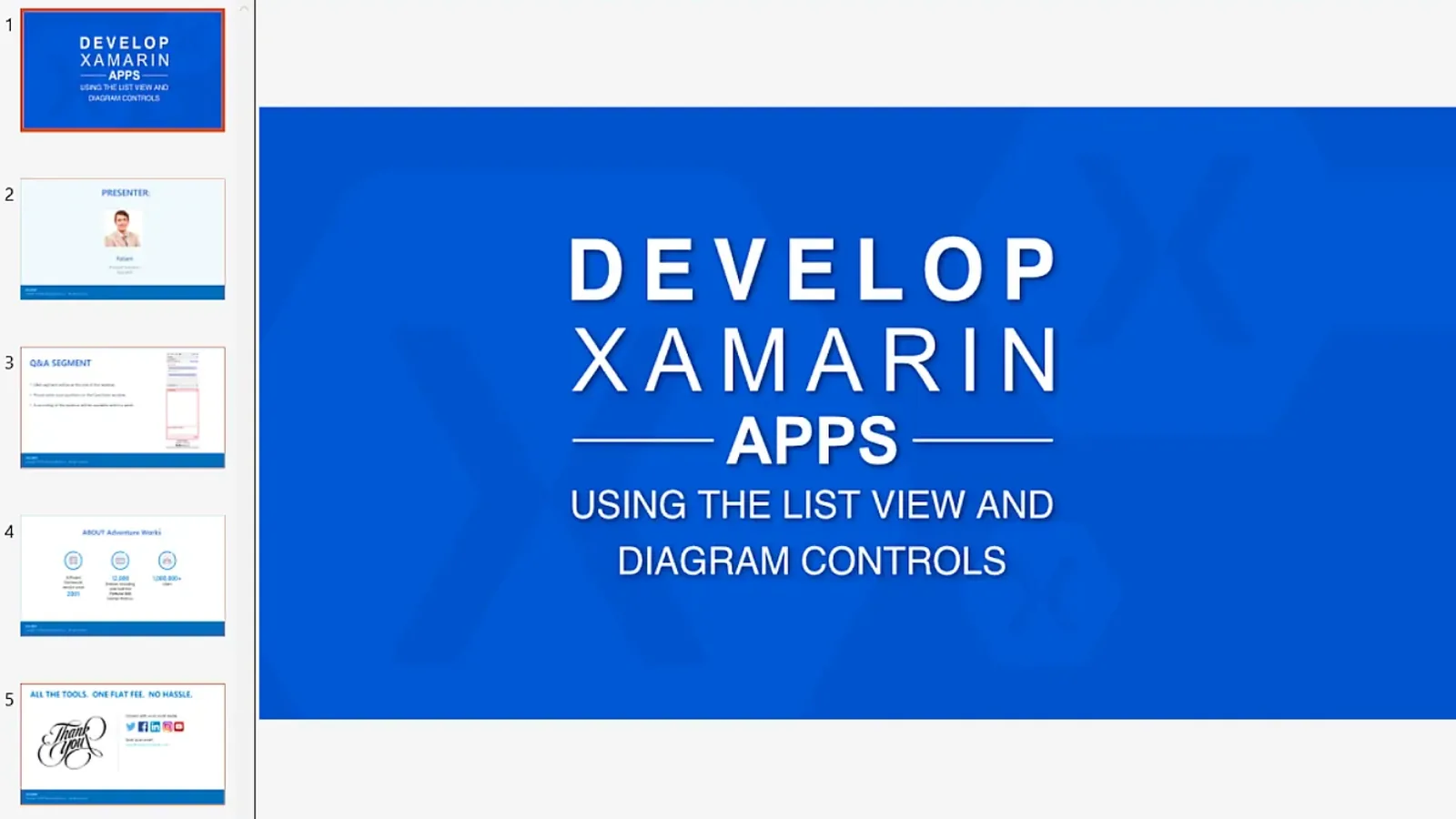
Open, navigate, print, and convert PowerPoint (.pptx) files without Microsoft PowerPoint installed. Built with Presentation and PDF Library for lightweight slide-deck review and distribution.
Components used
Available source platforms
Source code is available for the following platforms. Explore the full repository separately.

Overview
Business problem
Users need a lightweight way to open, review, and present PowerPoint slides without relying on full office suites, especially on systems where Microsoft PowerPoint is unavailable.
- Presentations are difficult to access without dedicated software
- Slide navigation and annotation tools are often missing in lightweight viewers
- Transition and animation playback should be reliable in viewer apps
- File management and format compatibility are essential for presentations
Application goal
Provide a desktop presentation viewer that supports slide playback, annotations, and common PowerPoint formats in a polished WPF environment.
- Enable easy slide navigation and playback controls
- Support annotation and presentation tools for live delivery
- Ensure compatibility with standard PowerPoint file formats
- Deliver a simple, dependable presentation experience
Target users
Designed for presenters, trainers, and knowledge workers who need to view and manage slide decks without a full Office installation.
- Presenters and meeting hosts
- Educators and trainers
- Business users needing lightweight presentation software
- Event coordinators and workshop facilitators
- Anyone reviewing PowerPoint content on desktop devices
Business value demonstrated
Shows how a streamlined presentation viewer can lower software barriers and improve access to slideshows in desktop settings.
- Faster access to presentations without Office dependencies
- Better engagement with slide annotations and transitions
- More reliable viewing across PowerPoint formats
- Improved productivity for presentation delivery
Main workflows
Core workflows supported by the PowerPoint Viewer application.
- Open and browse PowerPoint slide decks
- Navigate slides using playback and thumbnail controls
- Annotate slides during presentations for emphasis
- View transitions and animations in slideshow mode
- Manage presentation files with import and export options